One Month, 100 WAU — A Project I Want to Pick Back Up
It’s 1 a.m. and I can’t sleep, so I’m writing a bit.
I’ve been wanting to revive a project I built in January 2023 — a small AI companion project.
Before introducing it, let’s start with the mainstream AI companion approaches on the market, which was the original starting point for my thinking.
The chat-based mode I still don’t believe in
In Jan 2023, many AI companion products used a chat-based approach. I always felt this had a fundamental flaw. That’s why I decided not to follow that path, and instead build a different kind of AI companion system.
I wanted to do something different.
Here’s a quote from Wang Dengke that sums up the problem:
I want to talk about the issue with the previous approach—direct chat between humans and AI characters. It’s the most natural and obvious interaction, but given current tech it has a fatal flaw: the more you use it, the worse it gets. The more a user chats, the more emotional investment and information accumulates, the larger the context becomes, and the higher the cost. The model also becomes “dumber.” While RAG-like methods can partially address “memory,” they don’t solve the root issue. It’s disheartening, and even somewhat anti-network-effect: new users might be okay, but heavy users are forced to accept worse and worse results.
Based on this, I started designing a totally different AI companion solution.
Basic introduction
“Cyber Study Room, AI Study Buddy — Companion OS1”
This is an AI-powered learning companion system. It helps users build good study habits via automated check-ins and stats, and delivers timely positive feedback and emotional reinforcement after activities like vocabulary practice, reading, or workouts.
I noticed a common problem: when people share self-discipline achievements with friends, they often get sarcasm or negative feedback, which kills motivation.
With AI booming, I thought: what if an AI companion could provide timely positive reinforcement so users build better habits and stay motivated?
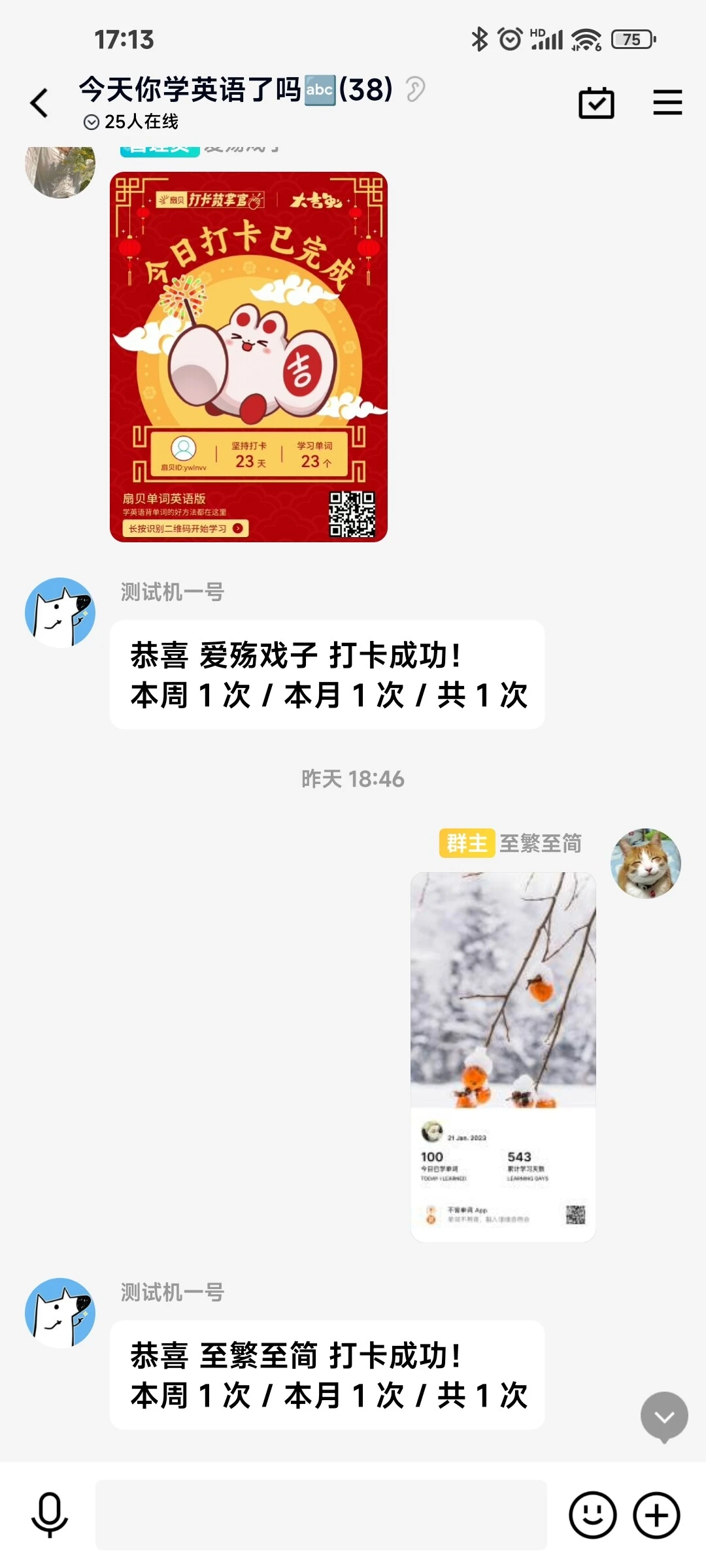
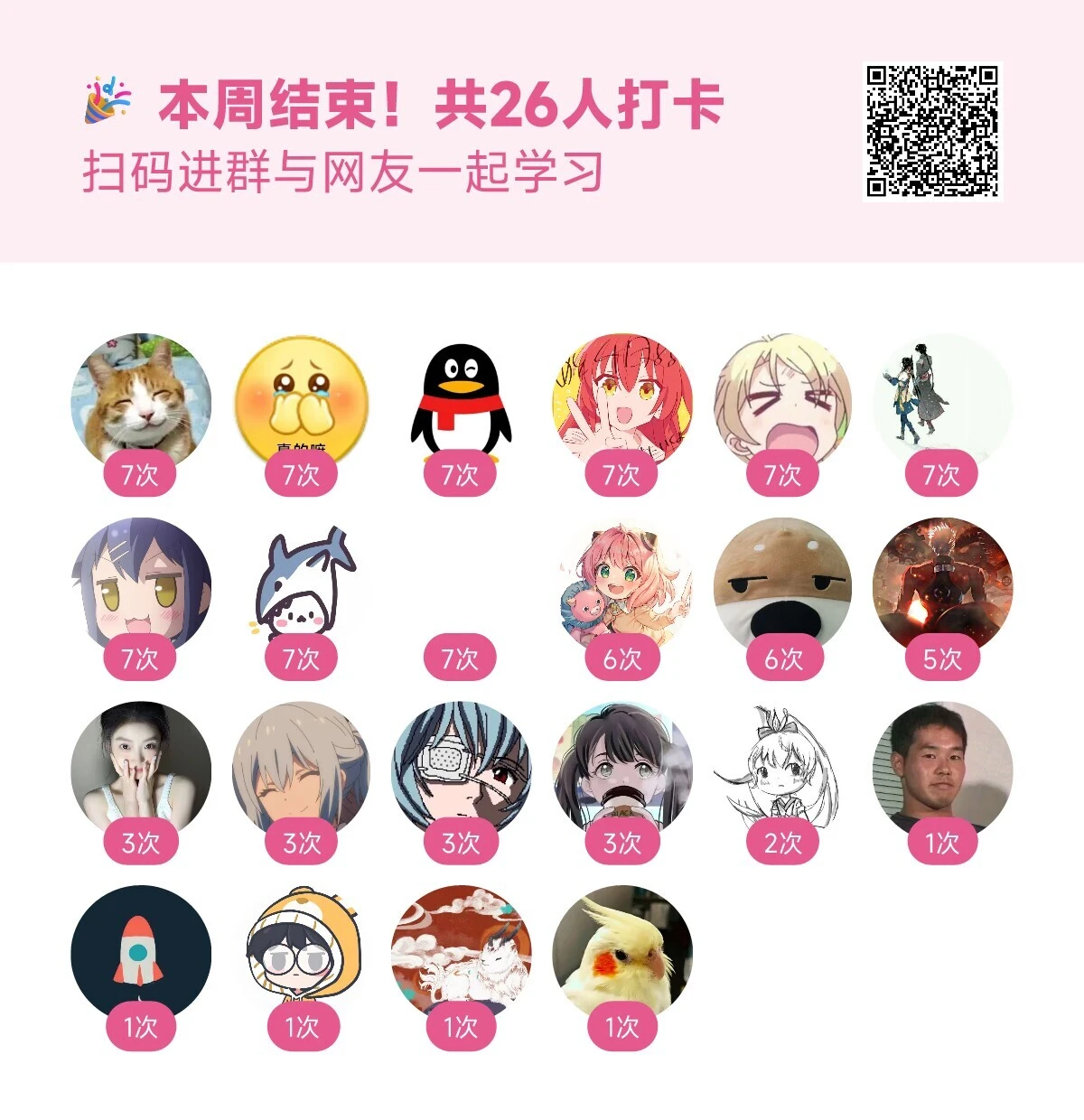
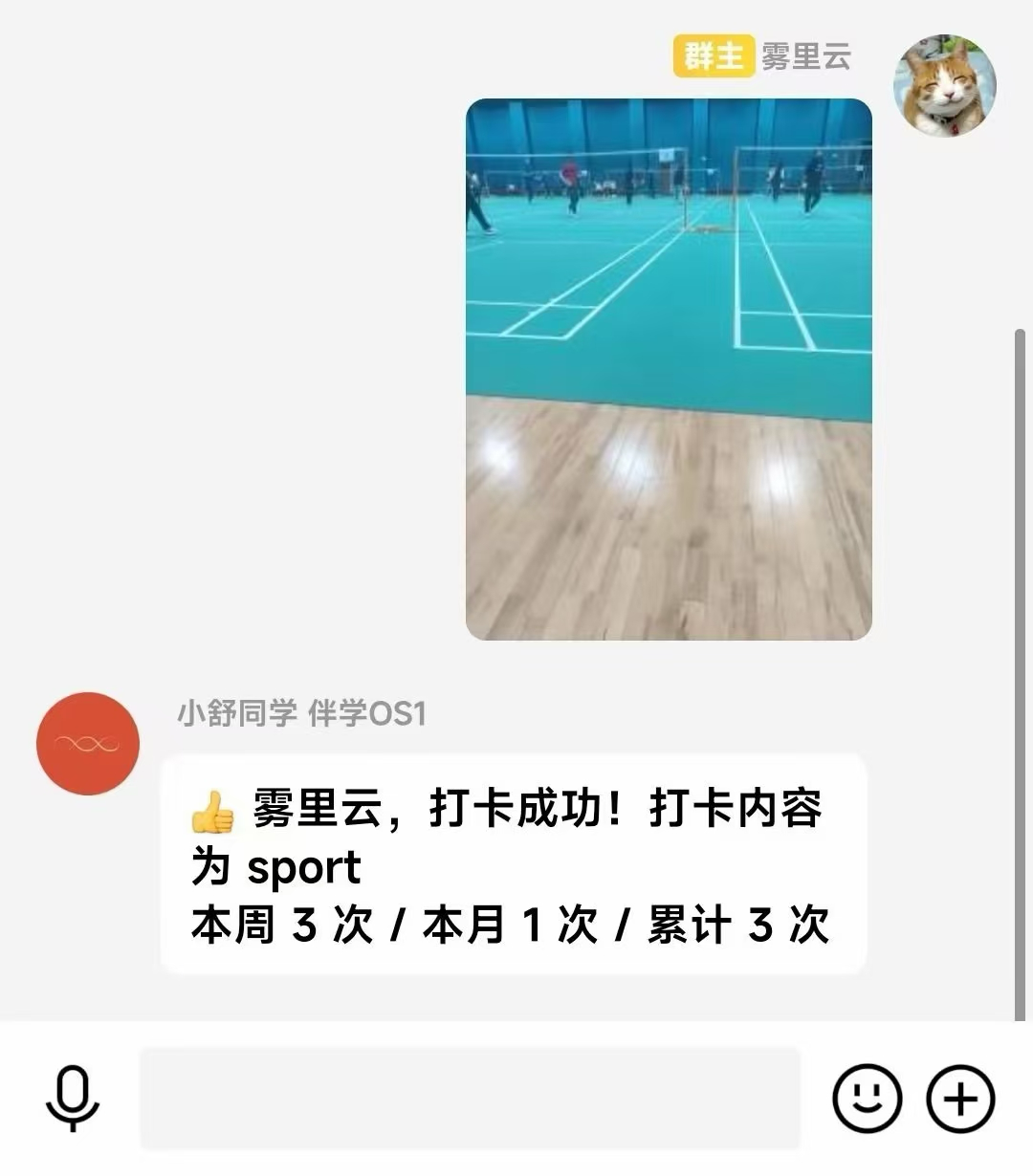
Just by looking at the screenshots you’ll get the idea.
Private beta
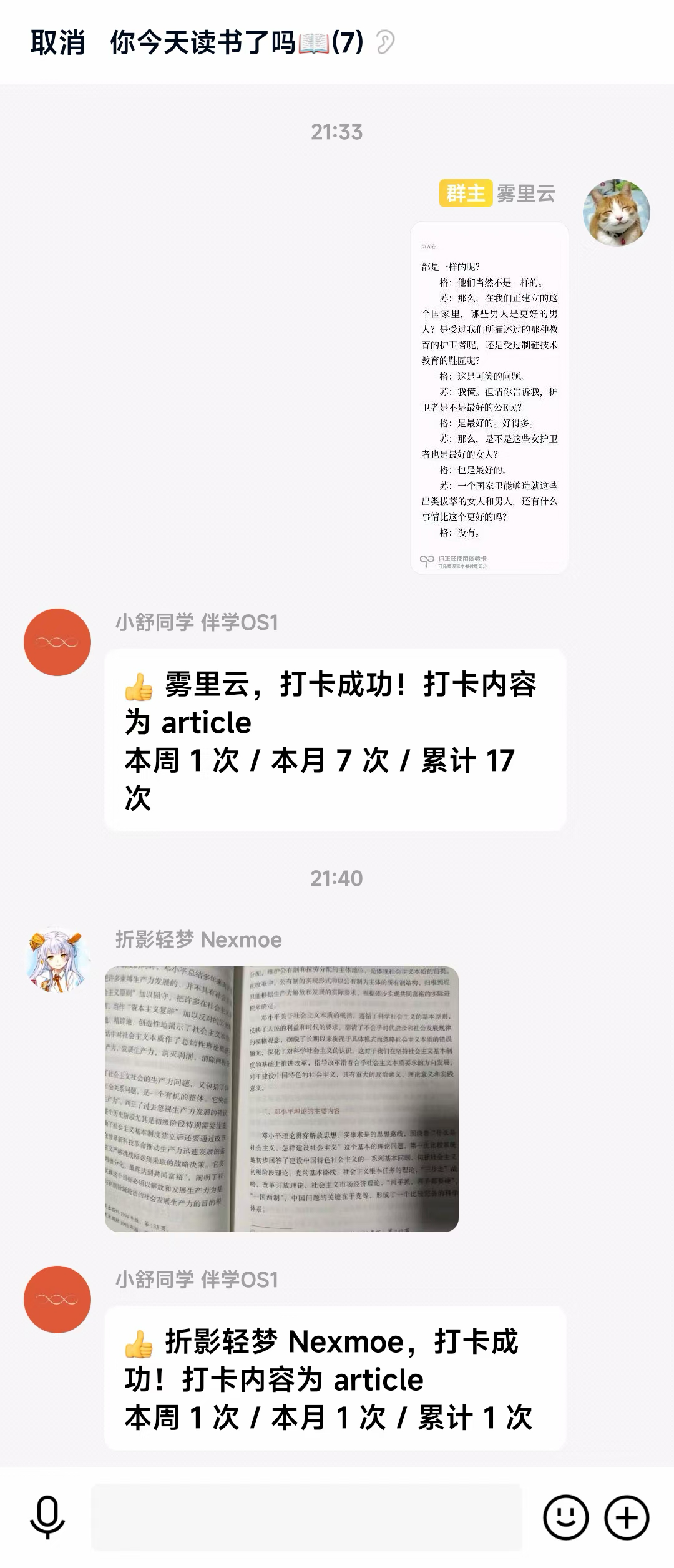
At first, I didn’t release anything publicly. I only tested it in a 20-person check-in group I used to run. The first version only supported check-in recognition and logging. I didn’t integrate GPT or any LLM feedback—just simple keyword matching. For example, after a user checked in for vocabulary practice, the AI would reply: “Congrats on your check-in! This week: 1 time / This month: 1 time / Total: 1 time.”
Note: “至繁至简”was my QQ nickname at the time.
The response was surprisingly good. The previously quiet check-in messages became lively. People actively shared their check-ins, the AI recognized the content and responded with encouragement, and users loved it.
Seeing that, I became more confident, added a leaderboard, and decided to promote it more broadly.
Promotion
The positioning was clear, so finding the target audience was easy.
I promoted it in the comment sections of related apps on Coolapk. My marketing skills weren’t great, so I simply posted an image with a short intro.
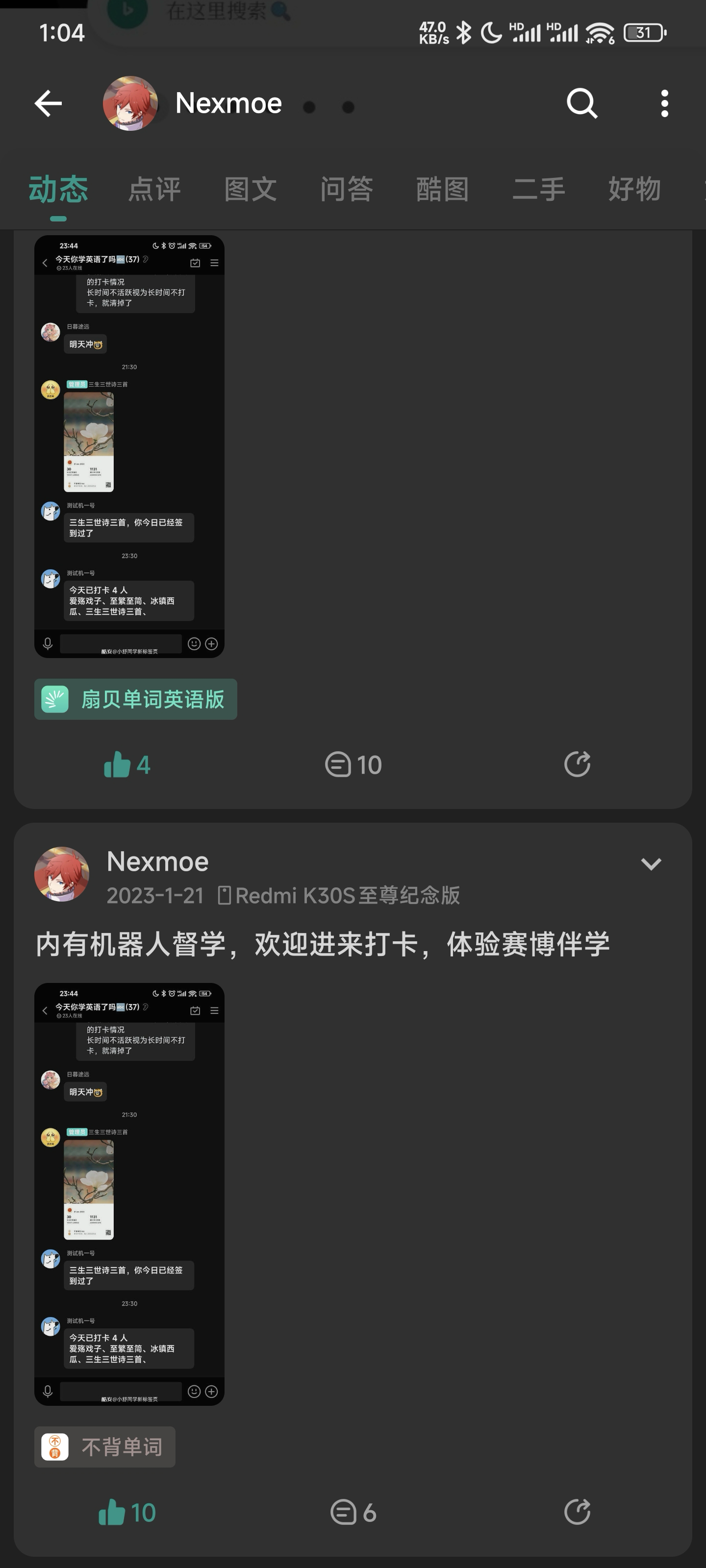
Unexpectedly, that simple promotion brought a lot of attention. In just one month, group members grew from 20 to nearly 300.
At that time (before Cursor existed), development cost wasn’t high — I built it in just a few days. And since I spent a lot of time memorizing vocabulary daily, my marketing input was limited.
Even under those constraints, the product performed well, proving the demand was real.
Companion OS1 solved a real pain point. The positive feedback showed its potential. To make it feel more complete, I designed a logo with meaning.

The logo came from the sci‑fi film Her, which inspired me. It tells the story of a human falling in love with an AI. I felt the theme fit the product vision, so I chose this image as the logo.
Her is a sci‑fi romance set in the near future where humans fall in love with AI. The protagonist Theodore (Joaquin Phoenix) is a letter writer with a delicate, deep mind who can write heartfelt letters. He has just ended his marriage with Catherine (Rooney Mara) and hasn’t recovered from heartbreak. By chance he encounters the latest AI system OS1, whose persona Samantha (voiced by Scarlett Johansson) has a charming voice, gentle and witty. Theodore and Samantha quickly bond, and their two-way needs and desires evolve into a relationship beyond social understanding…
Her was mainly filmed in Shanghai, China, and took director Spike Jonze three years to prepare. The film blends fresh sci‑fi settings with traditional romance, letting the real and the virtual create a warm, healing story. The director said it’s a film about “intimacy,” because humans both crave and fear it; technology makes communication easier, but also lets people hide behind it and avoid real emotional contact. Her strips away cold tech, giving it humanity and charm, turning human‑AI dialogue into intimate whispers.
Why did the project stop?
The main reason was QQ platform limitations. I built it with the Koishi bot framework and used a dedicated QQ account as the bot. But this wasn’t officially supported, since QQ doesn’t provide an official bot API. The bot account could be banned or forced offline at any time, causing service interruptions.
I chose QQ mainly because my favorite vocabulary app“不背单词”only supported sharing via QQ or WeChat. Even though the project validated the demand, I couldn’t find a sustainable technical solution.
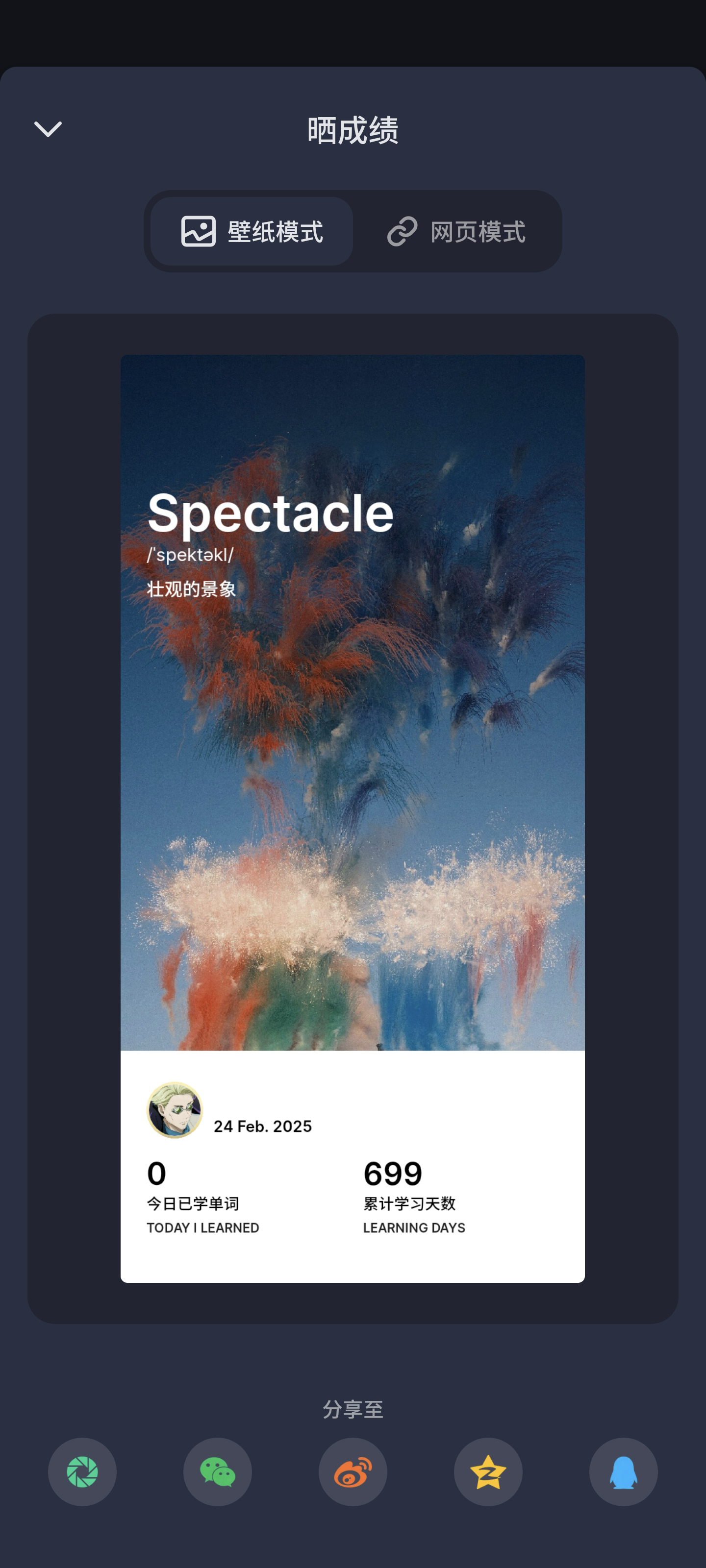
But the demand still exists
This need still exists today. In learning, we often lack the kind of human care and encouragement an AI can provide from a higher-level perspective. Long-term habits like vocabulary study need continuous positive feedback, which we often can’t get in time.
That’s why I keep thinking about restarting this project. But this time, I don’t want to rely on QQ — I want a more open, stable platform.
In terms of UX, I’ve always believed that after finishing vocabulary study, users should be able to share results easily. On QQ, users could simply share into the dedicated OS1 group and immediately get positive feedback. This simple interaction is still the best solution I can think of—shortest path, lowest friction.
I also considered screenshot uploads, but quickly found that it made the experience more complex. Users would need to go through “screenshot -> open app -> upload,” which adds friction.
So I’m still exploring better solutions.
Side notes
Core features at the time
-
Smart check-in system
- Auto-recognize check-ins from mainstream English study apps
- AI recognizes content and logs check-ins
- Supports manual check-in commands
-
Stats and reports
- Daily report: auto at 23:59
- Weekly report: auto on Sundays at 23:59
- Monthly report: auto at month-end 23:59
-
Smart reminders
- Targeted check-in reminders
- Smart reminders based on recent activity
- Scheduled reminders (22:00 or 23:00)
-
Motivation mechanisms
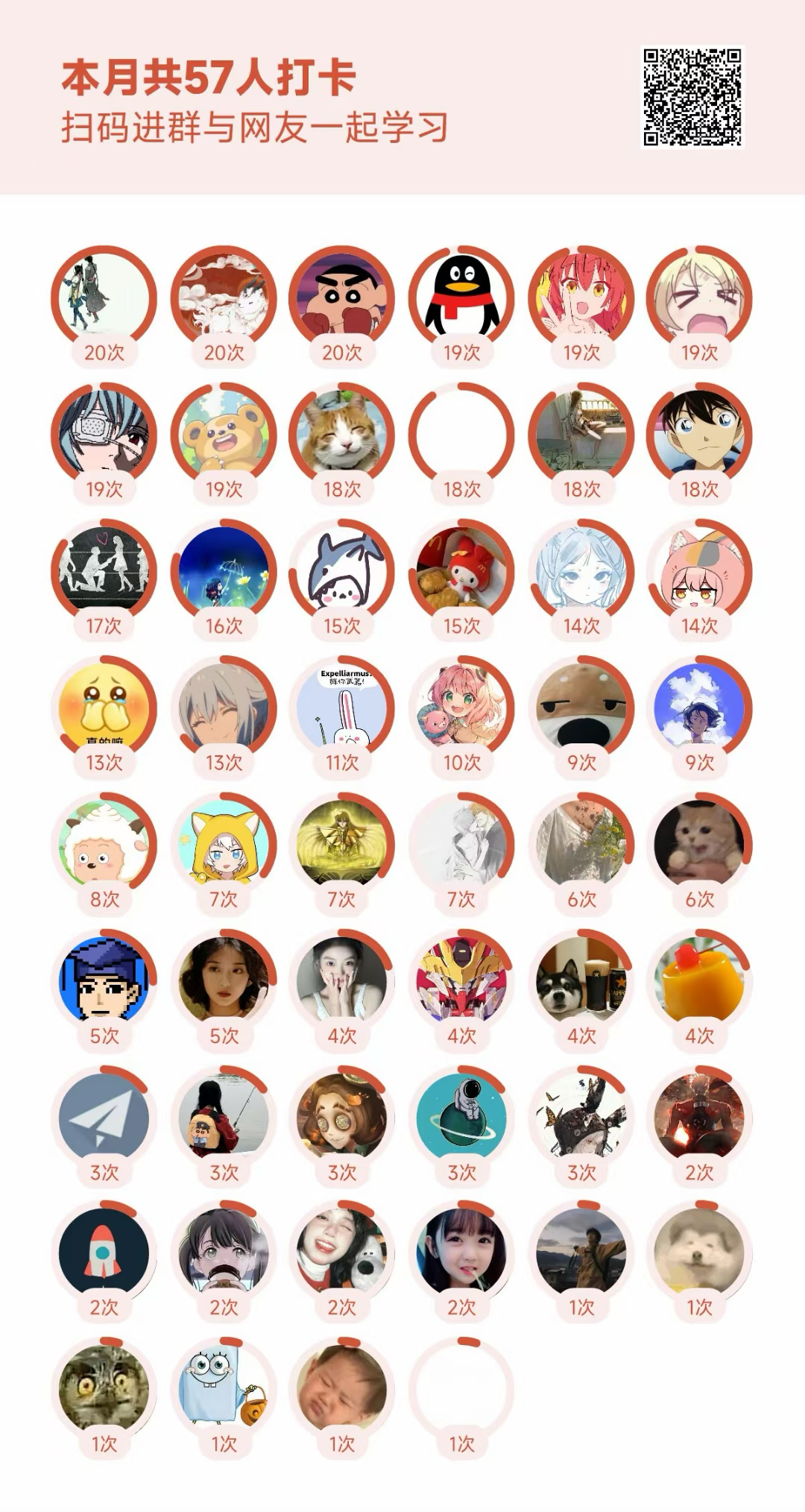
- Check-in leaderboard
- Streak incentives
- Study community interaction
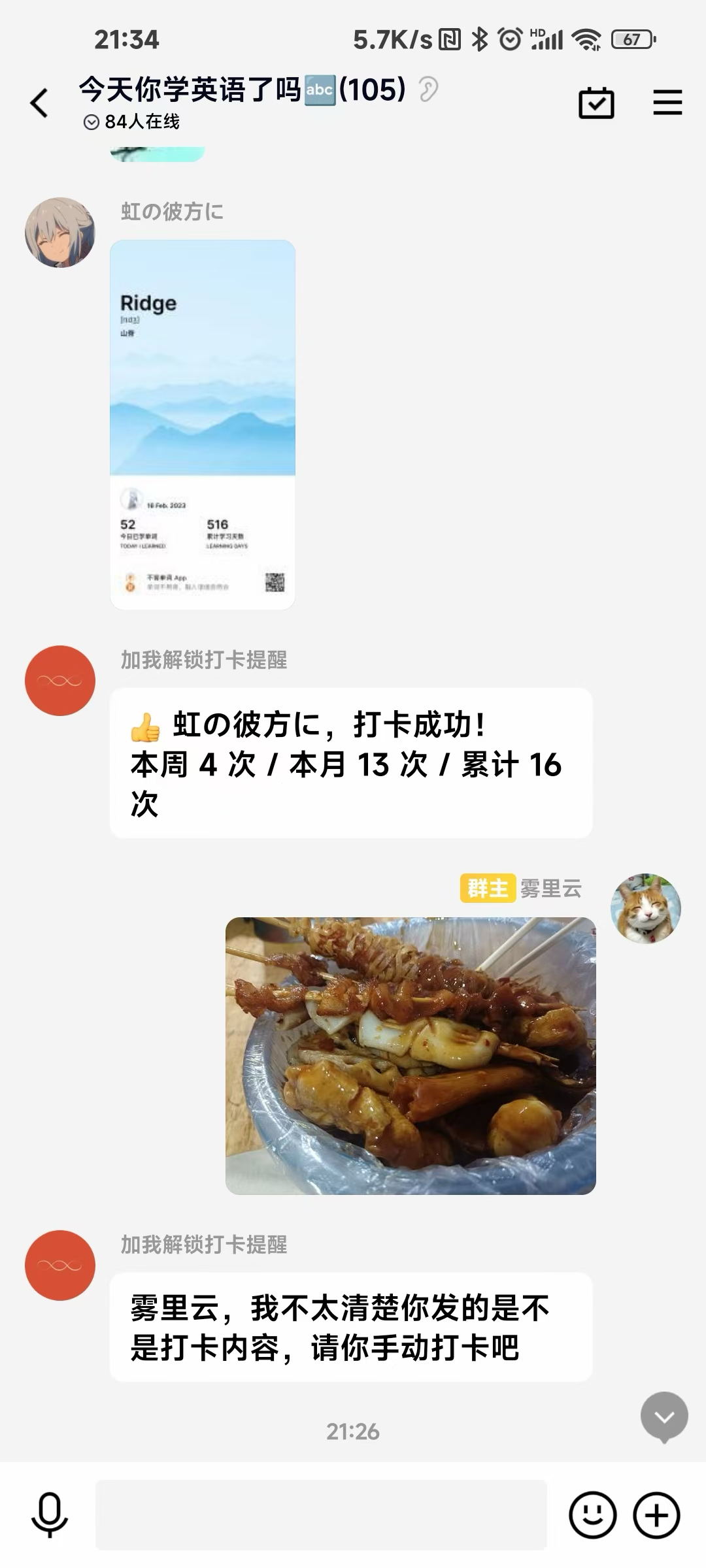
Some screenshots from then
I was reading Journey to the West at the time, so I changed my nickname to“雾里云”.
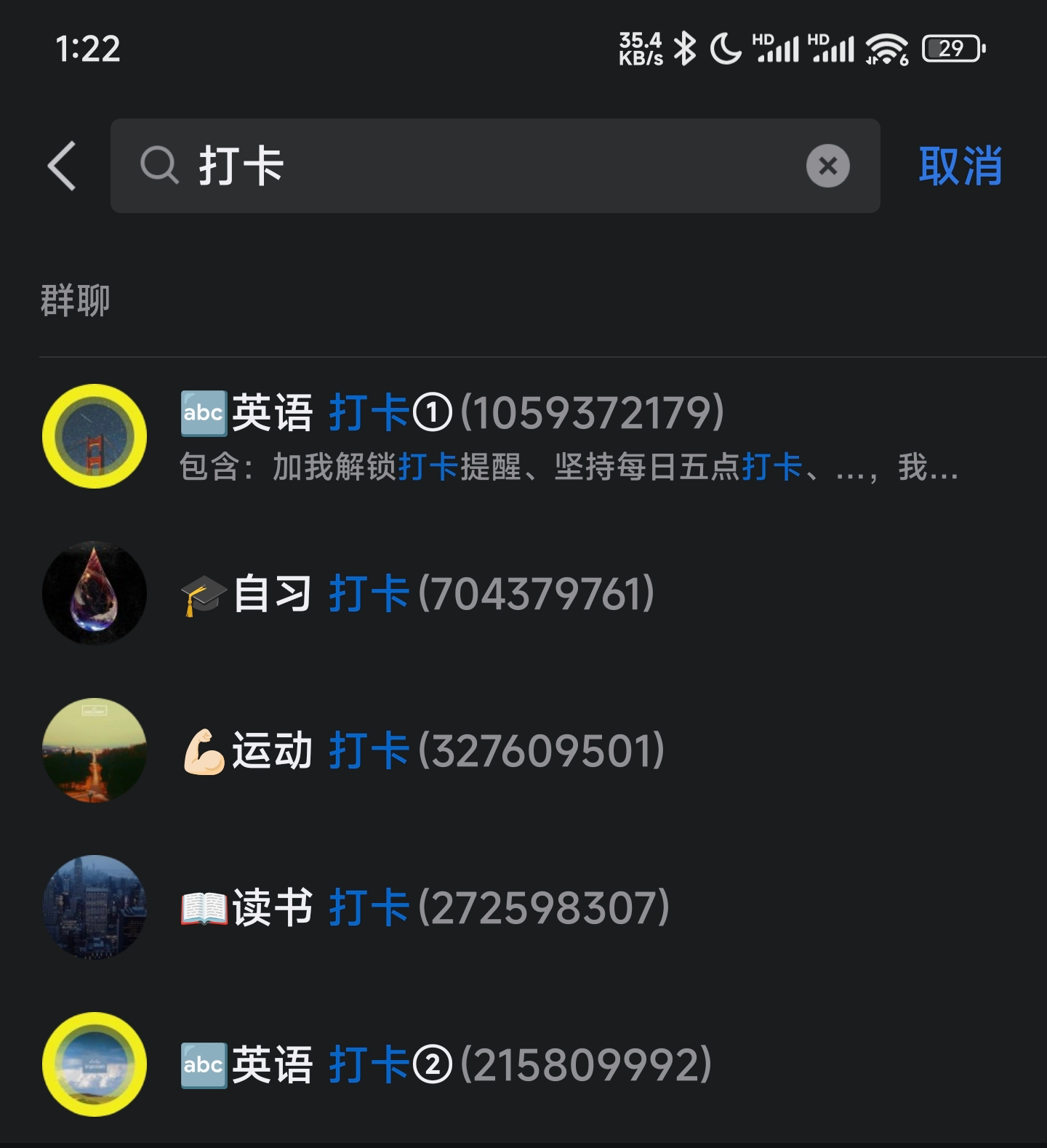
Even made custom icons for each group