
Cat UI - The Four Seasons Cat (Paid)
Nexmoe October 2, 2018
This article is an AI translation and may contain semantic inaccuracies.
After passing through the four seasons, looking back, I found that only the cat was still there waiting for me…
Copyright Statement
!!! Paid theme. Reselling is forbidden. Do not modify copyright. Commercial use is allowed. You may modify for personal use only. Do not modify content in #sider-copyright, and do not modify content in sider.php. Breaking these terms means you give up your right to use the theme. !!!
Pricing
- [OPEN] Payment
- Four Seasons Cat price
47.77. Contact QQ 776194970 on Saturday night or holidays. Extra sponsorship is welcome. - [OPEN] Notes
- If the price increases later, you may be asked to pay the difference. No refunds for discounted events.
- Copyright belongs to: 折影轻梦. If you bought the template, don’t resell it. I barely make any income.

Features
- Avatar settings
- Console -> Appearance -> Theme Settings -> Blog avatar
- Header image settings
- Console -> Appearance -> Theme Settings -> Blog header image
- Payment QR settings
- Console -> Appearance -> Theme Settings -> Alipay QR code
- Console -> Appearance -> Theme Settings -> Tencent QQ QR code
- Console -> Appearance -> Theme Settings -> WeChat QR code
- Custom CSS
- Console -> Appearance -> Theme Settings -> Custom CSS
- Analytics code
- Console -> Appearance -> Theme Settings -> Analytics code
- Post cover image display
- Console -> Appearance -> Theme Settings -> Cover mode
- Post title: set title to Cover.
- Custom cover: if a custom thumbnail is set, it will be used as the cover; if there is no image, the background becomes the cover.
- Custom cover + title: if a custom thumbnail is set, it will be used as the cover; if there is no image, the title becomes the cover.
- Other tools
- Blog feature (show reward + QR code buttons in posts)
- Enable SmoothScroll
- Sidebar
- QR code: show QR code in sidebar; also the post QR code. If disabled, both are hidden.
- Tag cloud: show all blog tags in sidebar.
- Search bar: show a cat that helps you search the site.
- Categories: show all blog categories in sidebar.
- Recent comments: show recent comments; set count in Console -> Settings -> Comments.
Custom Post Header Image
Enable Custom Cover in Backend -> Appearance -> Cover mode.
Then set it in Custom Fields while editing the post.

New Friend Links Format
In backend -> Create new page -> Custom template, use “Friend Links”
-  [Name](Link URL "Link description")
Example:
-  [Qingwan Navigation](https://www.chainwon.com/ "This navigation will have infinite possibilities!")If the format doesn’t work, use this:
<a class="mdui-ripple" href="https://www.chainwon.com/" target="_blank">
    <img src="https://www.chainwon.com/static/logo.png" alt="Qingwan Navigation" title="Qingwan Navigation">
    <p>Qingwan Navigation</p>
</a>
Wish List
- Completed (collapsed by default)
  - [Y] Completed 1
  - [Y] Completed 2
- [OPEN] Not completed (open)
  - [N] Not completed
- [N] Not completed 2- Completed (collapsed by default)
- [Y] Completed 1
- [Y] Completed 2
- [OPEN] Not completed (open)
- [N] Not completed
- [N] Not completed 2
Image Layout
This feature requires strict formatting. Follow the format exactly, and do not omit line breaks.
[PIC2]
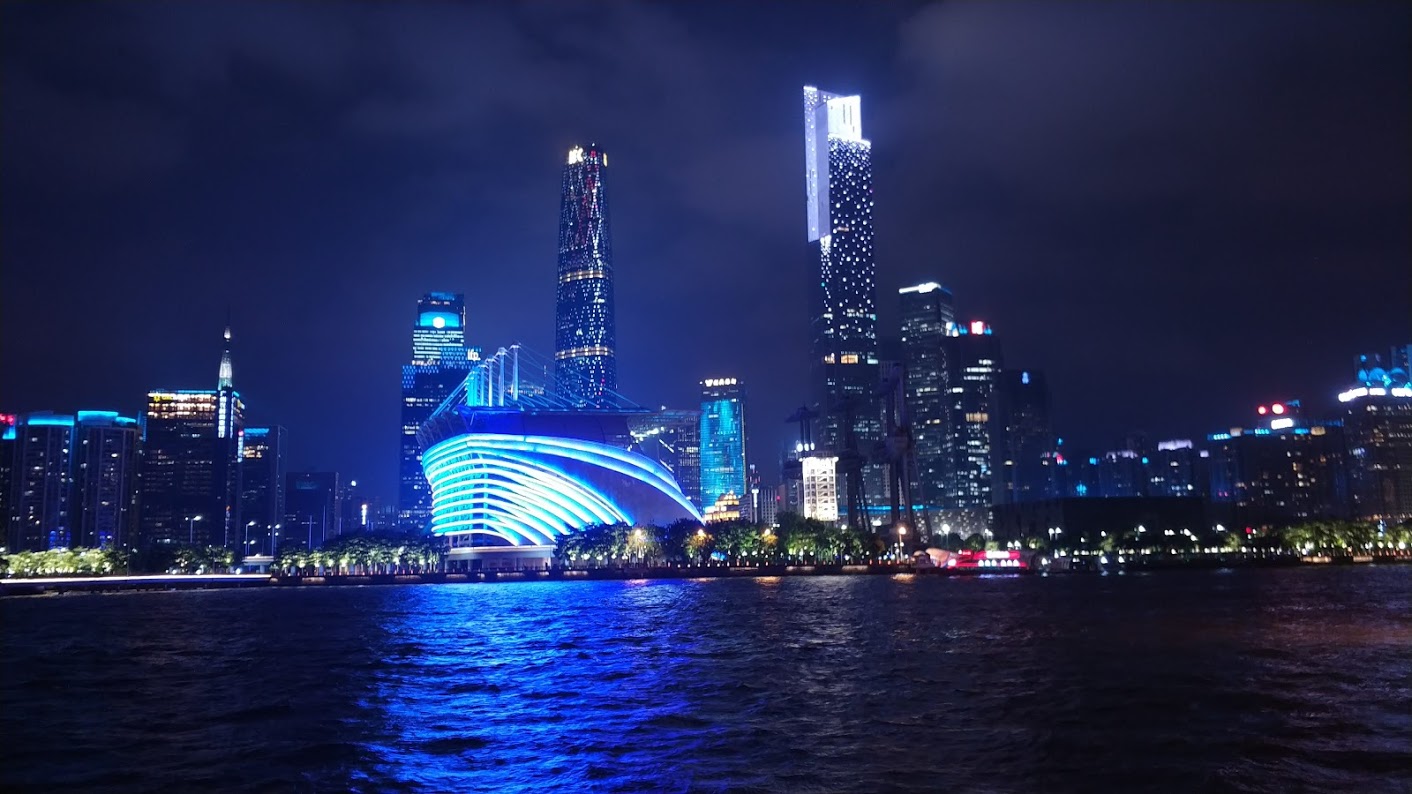
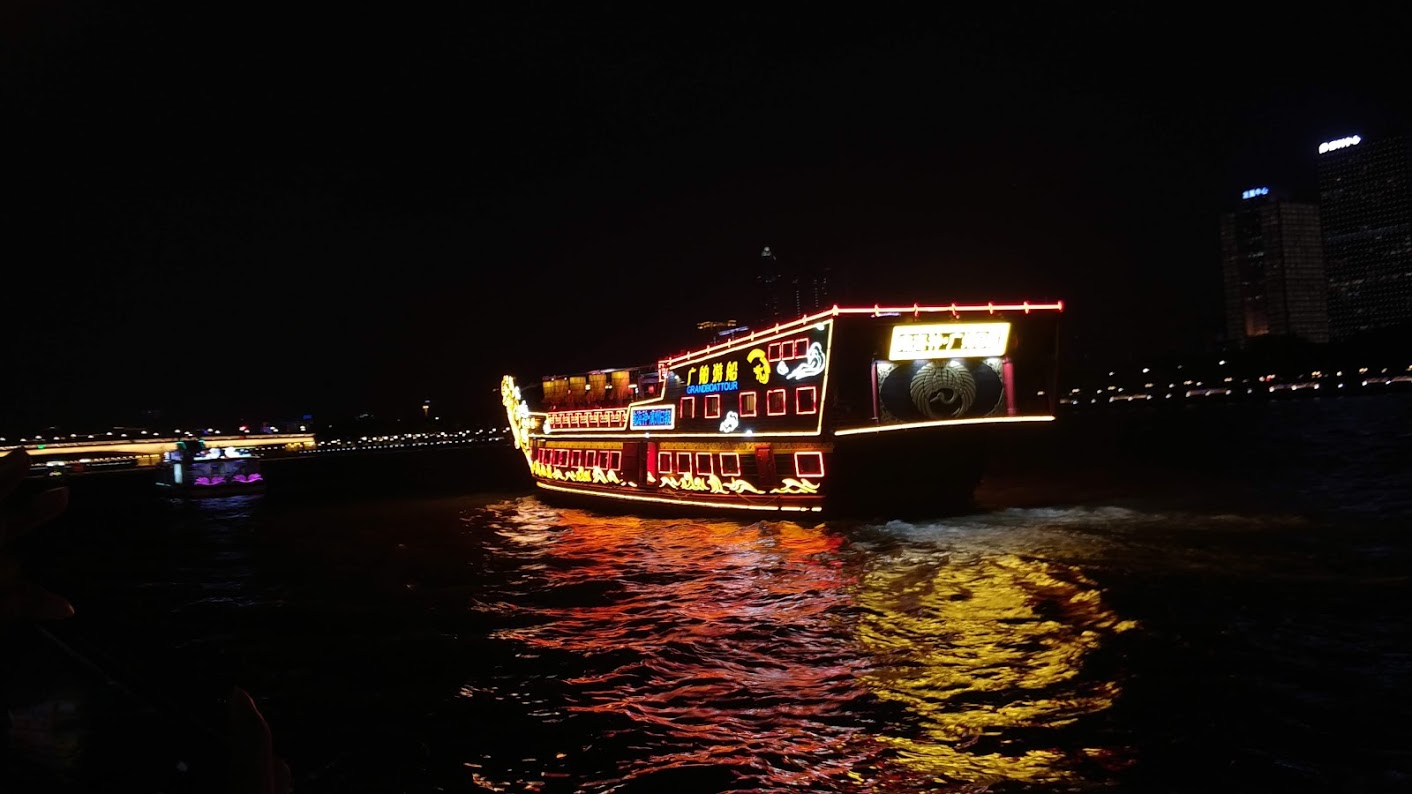
[/PIC2][PIC2]


[/PIC2]
[PIC3]
