Fix Text Copying in the Browser in Just Seven Lines
Nexmoe August 5, 2018
This article is an AI translation and may contain semantic inaccuracies.
Fix clipboardData is not defined.
Works in Chrome and Firefox.
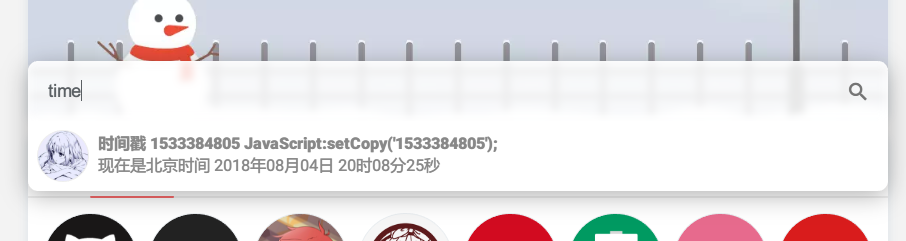
I’ve wanted to add a “copy result to clipboard” feature for my navigation page for a long time, but after searching for ages, I still couldn’t find a solution. None of the jQuery libraries met my needs.
I wanted a function that takes text and copies it directly to the clipboard.
So I wrote a 7‑line JavaScript helper (based on jQuery):
function setCopy(txt) {
    $('body').append('<textarea id="copy" style="height: 0;width: 0;border: 0;opacity:0;">'+txt+'</textarea>');
    $('#copy').select();
    document.execCommand("Copy");
    $('#copy').remove();
    alert("复制成功!");
}
Use it by calling setCopy().
(❗ This usage does NOT work in Firefox) For example, directly in an <a>:
href="/JavaScript:setCopy("1533384805');">(This usage works in Firefox) Prefer:
onclick="setCopy('1533387161');"