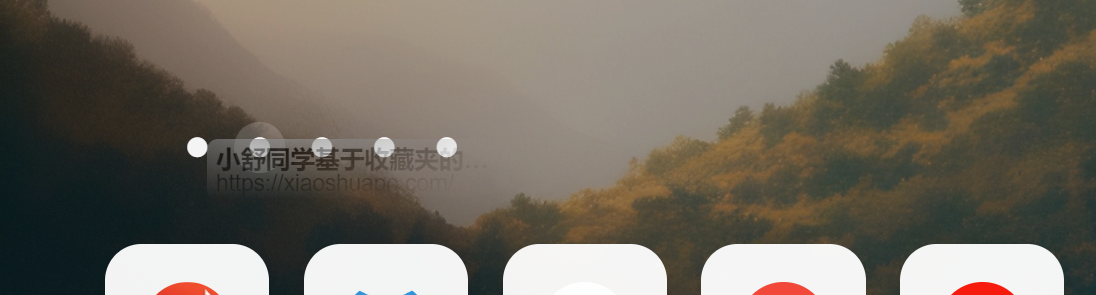
Take Notes with Xiaoshu Student
Nexmoe October 29, 2022
This article is an AI translation and may contain semantic inaccuracies.
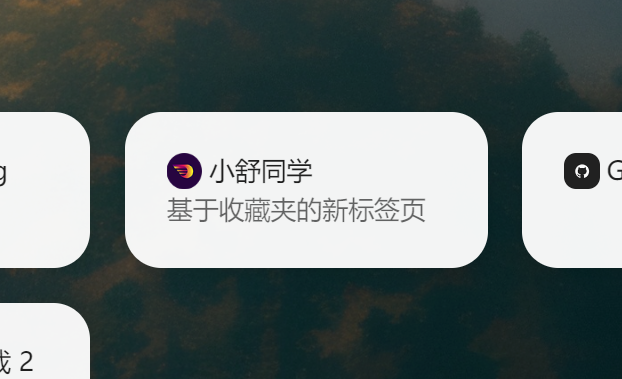
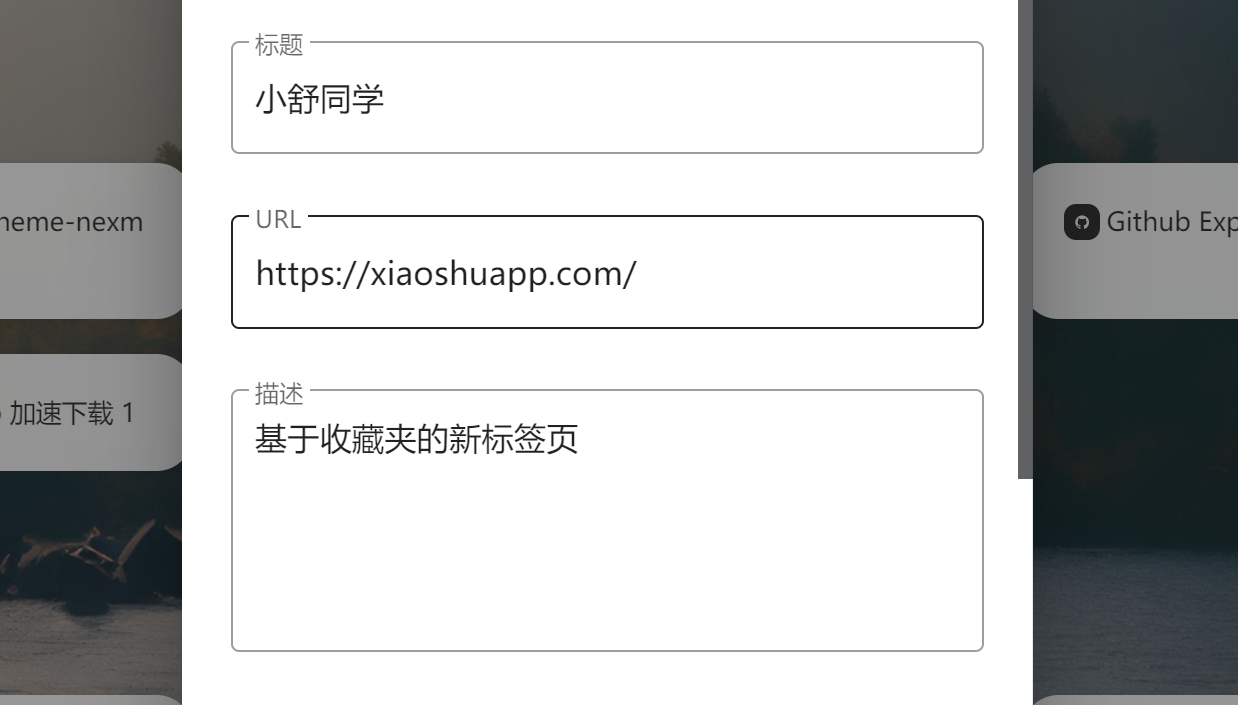
Forgot what a bookmark is for? No worries
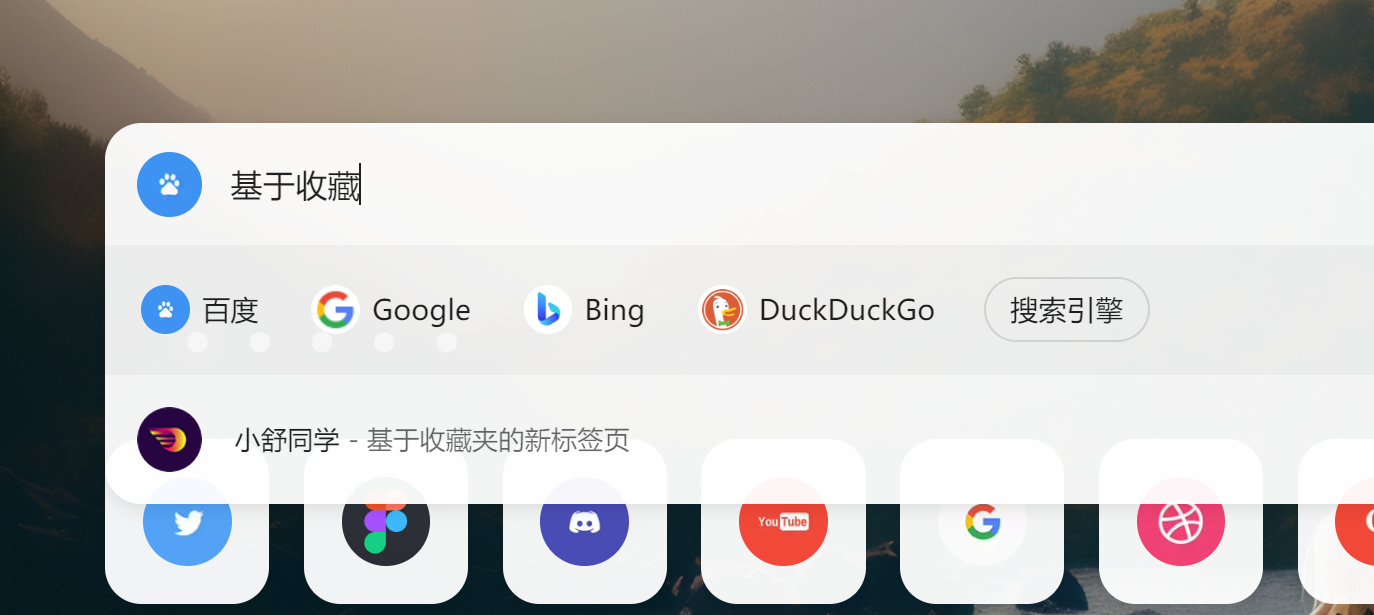
Now you can add notes to bookmarks and quickly find them in search.
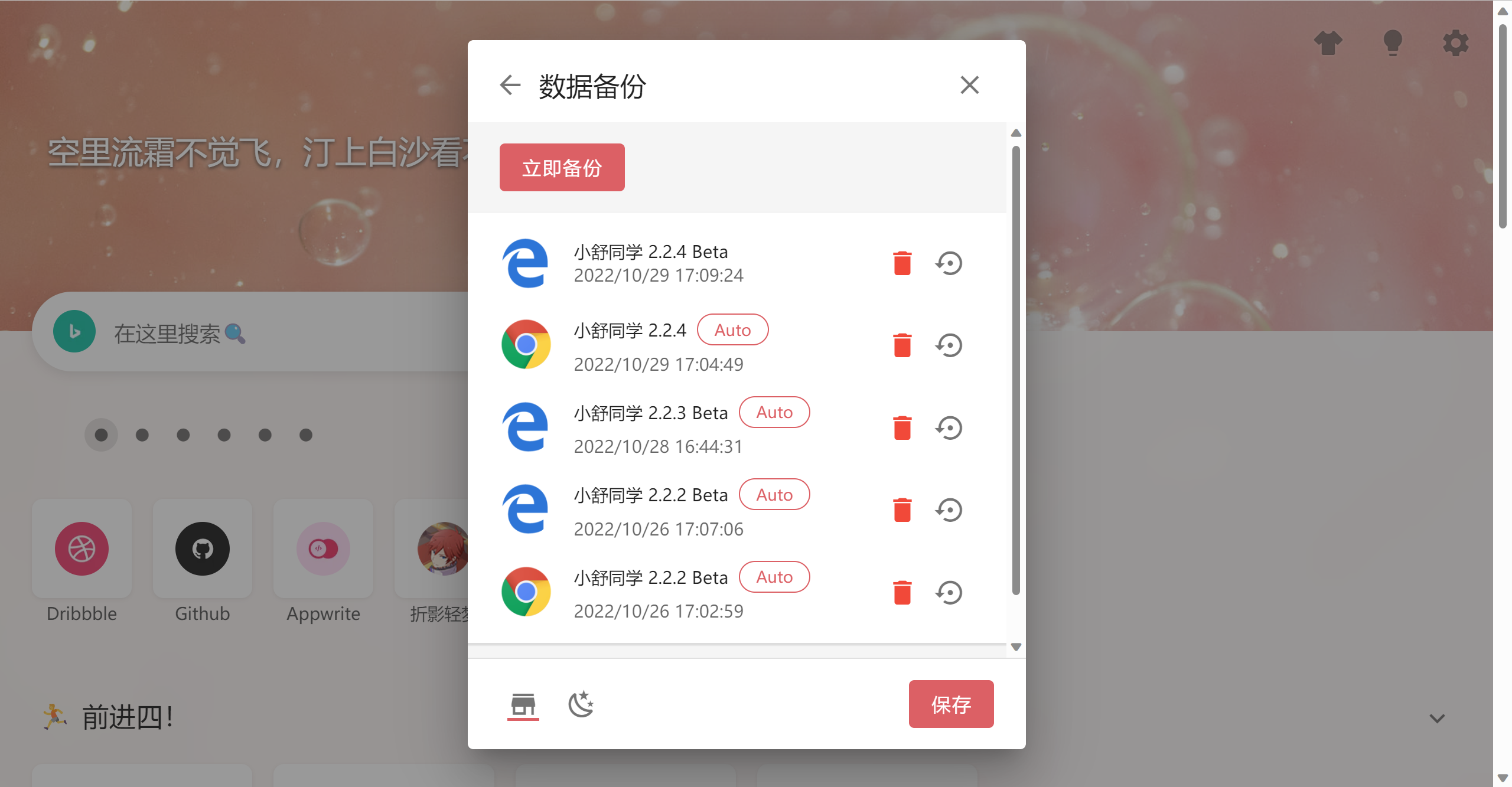
Smarter data backup
Xiaoshu Student now automatically backs up your data on a schedule. It also records your browser and version for easy recovery.
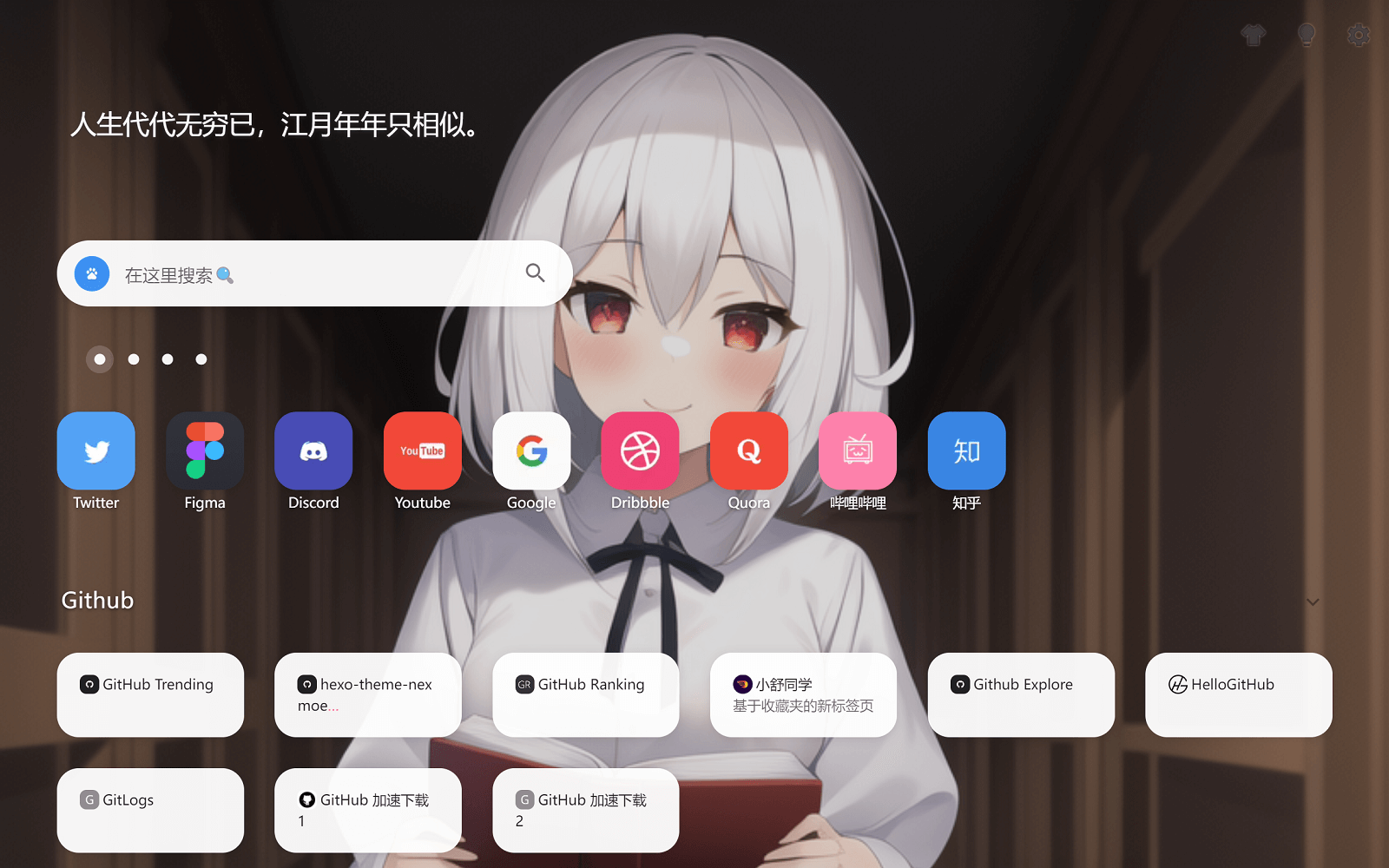
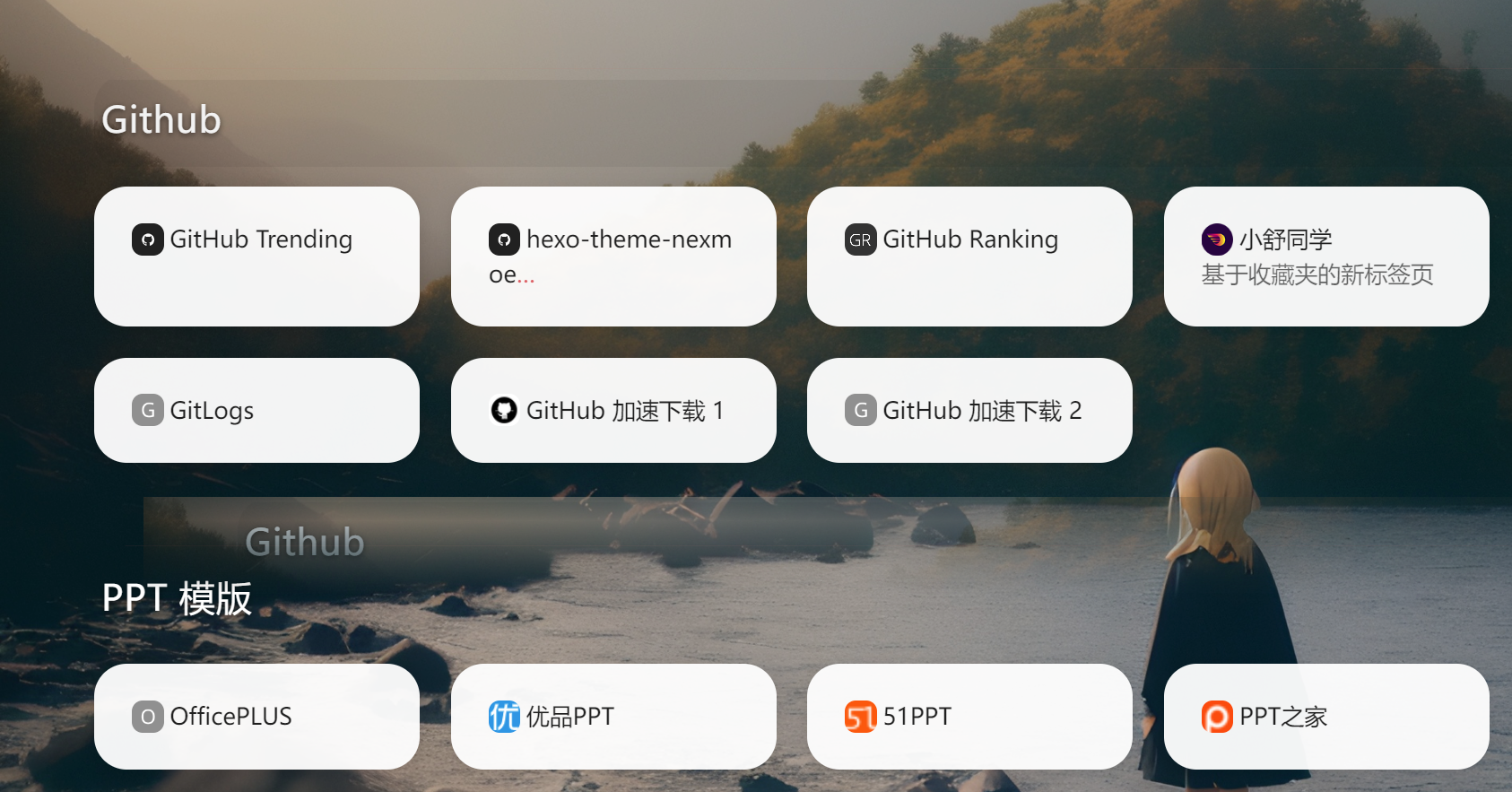
New Transparent theme
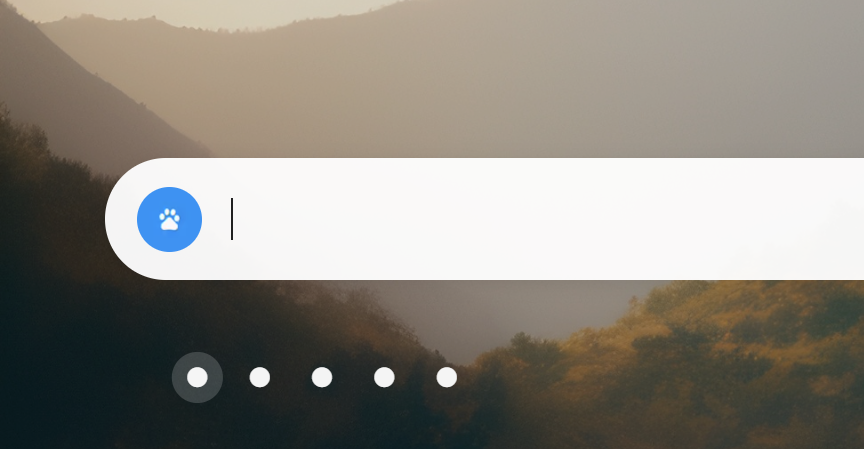
The search box now auto-focuses, making it easier to use
Use the keyboard to pick suggested results
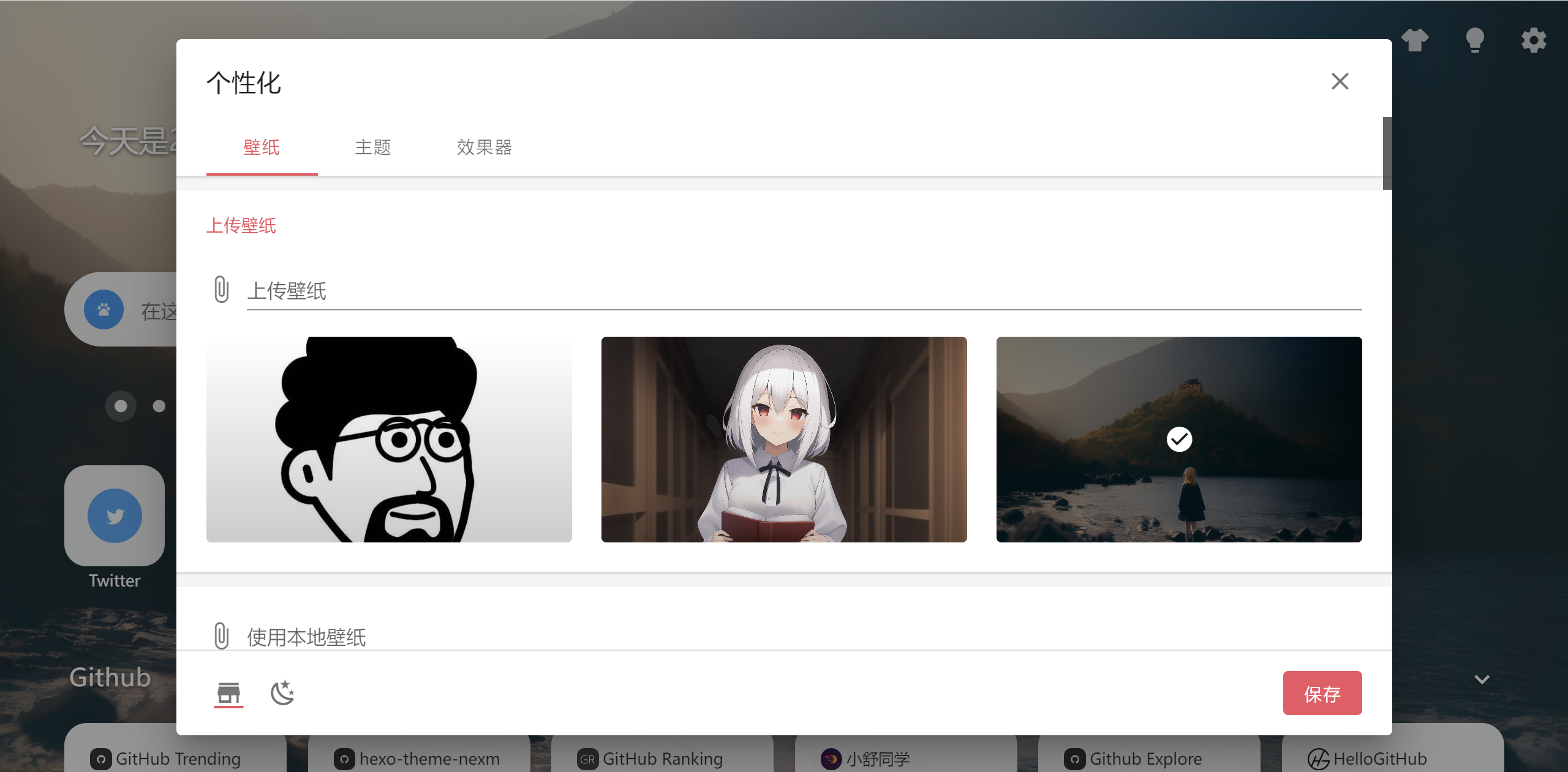
Upload new wallpapers
Now you can upload wallpapers that sync with your account.
Drag your folder titles
You can now reorder folders by dragging their titles.
Drag onto screen buttons to group and sort across screens