
200,000 Lines of Code: How We Built and Maintained a Large-Scale AI Prototype System
Project overview
In three months, we built an AI prototype system from scratch with 200,000 lines of code. It was a massive project—like constructing a building—requiring careful planning and management. To keep the system maintainable and extensible, we adopted a monorepo structure and placed special focus on reusable tooling packages. This article explains how the project was organized and managed in plain language.
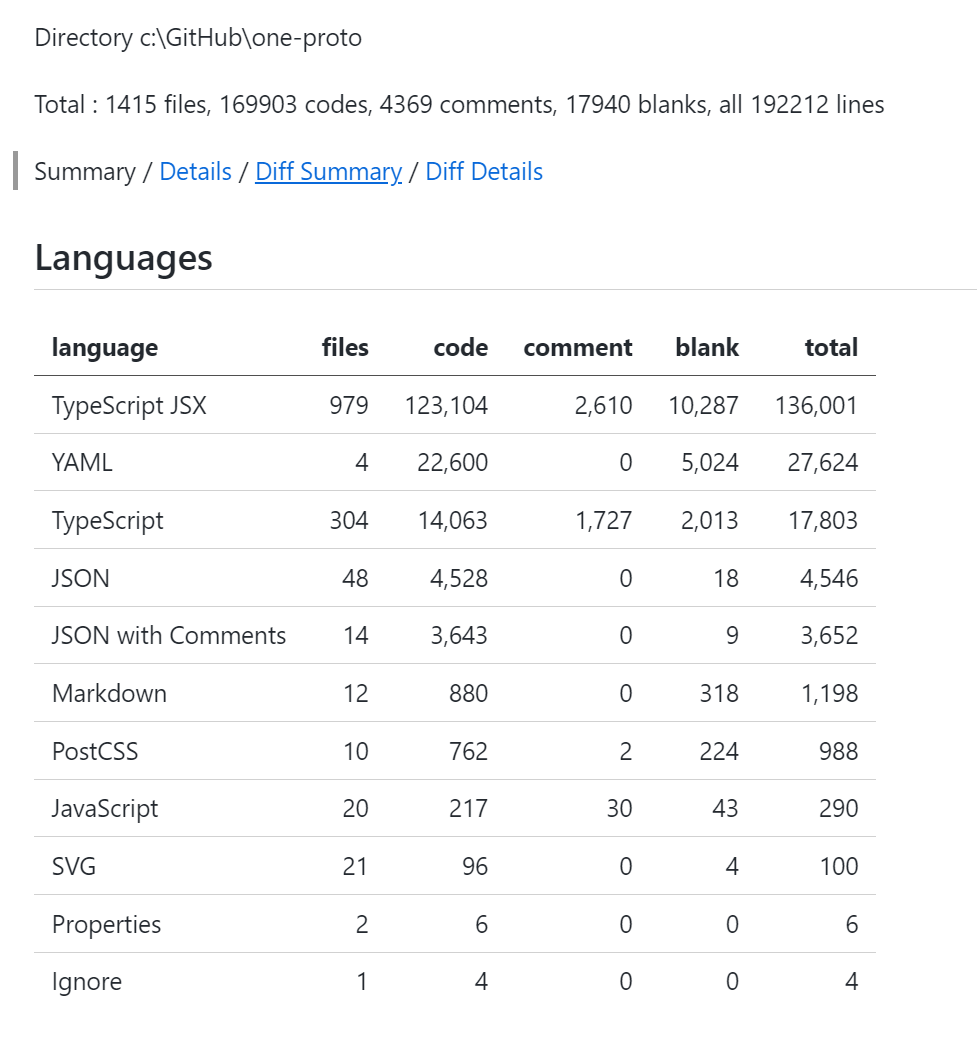
What is a monorepo?
A monorepo is like a giant storage box: we put all the project code neatly in one place. Imagine you have many toys—if they’re scattered around the room, they’re hard to find. But if you put them in a big box and assign a fixed place for each toy, everything becomes easy to find and tidy up.
Benefits of a monorepo:
- Easier code sharing: like a family sharing one toolbox—grab tools when you need them.
- Unified versioning: like centralized office supplies to avoid mismatched purchases.
- Smoother collaboration: like working in the same studio where people can talk and help each other anytime.
How is the project organized?
Our project is like a well-designed building, with each floor serving a specific function:
one-prototype/
├── apps/                 # Code for independent apps
│   ├── base/            # Product with service deployment, cloud instances, etc.
│   ├── course/          # University-scene product
│   ├── docs/            # UI component docs
│   ├── idcloud/         # IDC-related product
│   └── web/             # Standalone test web app
├── packages/            # Shared code packages
│   ├── eslint-config/   # Linting config
│   ├── hooks/           # React hooks
│   ├── request/         # Network request utilities
│   ├── track/           # User behavior tracking
│   ├── typescript-config/# TypeScript config
│   ├── ui/              # Shared UI components
│   └── zod/             # Data validation tools
Reusable tool packages
In the packages directory, we built a set of reusable toolkits—each with a specific purpose. Let’s take a closer look.
UI component library: a standardized finishing toolkit
Like standardized parts on a construction site, our UI library provides a full interface solution. It’s built with Tailwind CSS for flexible styling, TypeScript for type safety, and follows Radix UI accessibility principles. Highly configurable components make reuse across scenarios easy.
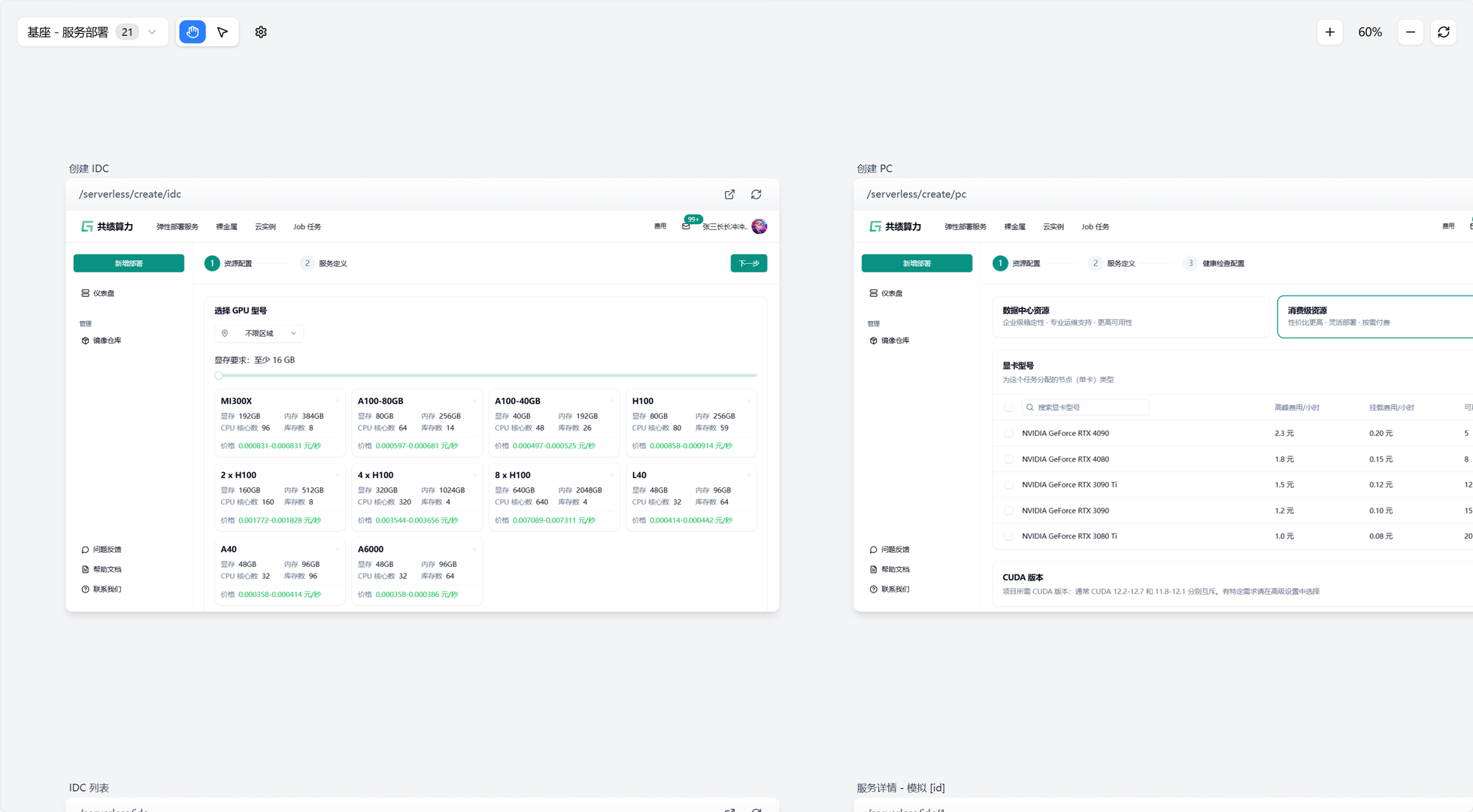
On productivity, the UI library provides consistent design language and interaction patterns, along with complete docs and usage examples. Fast debugging and theme preview, plus cross-product reuse, greatly reduce duplicated work. Standardized component APIs also make integration simple.
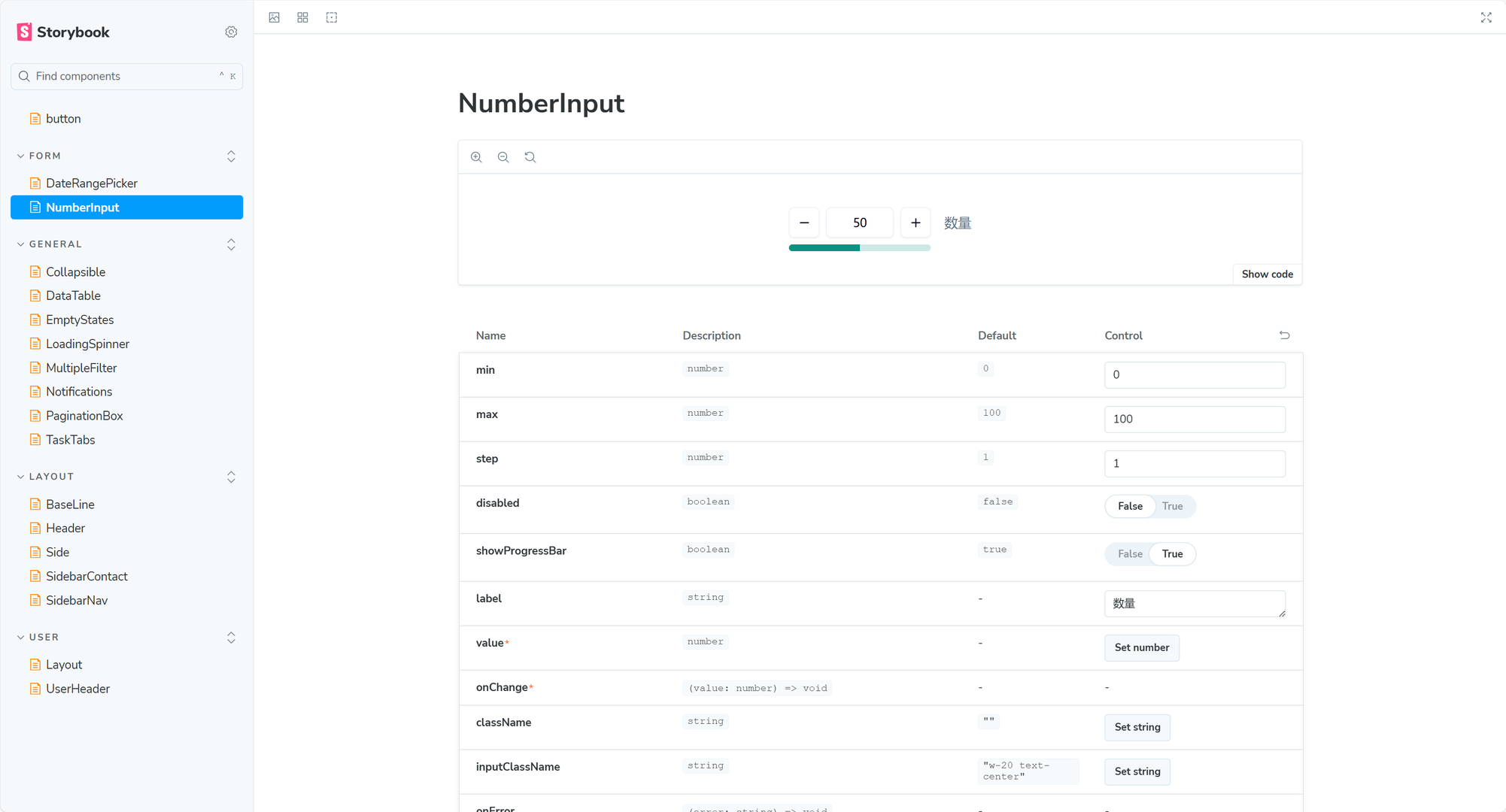
Our docs are built with Storybook, offering interactive previews and debugging. Developers can preview look and behavior, tweak props live, and test across devices and themes. A standardized documentation workflow ensures complete usage, API references, and best practices. This workflow makes independent component development and testing easy.
Zod data validation toolkit: the data inspector
As the project’s data inspector, the Zod toolkit strictly checks data format and types. It ensures correctness and security, and provides strong type inference. When paired with React Hook Form, it offers type-safe validation, auto-inferred form field types, runtime safety, and friendly error messages.
User behavior tracking toolkit: the recorder
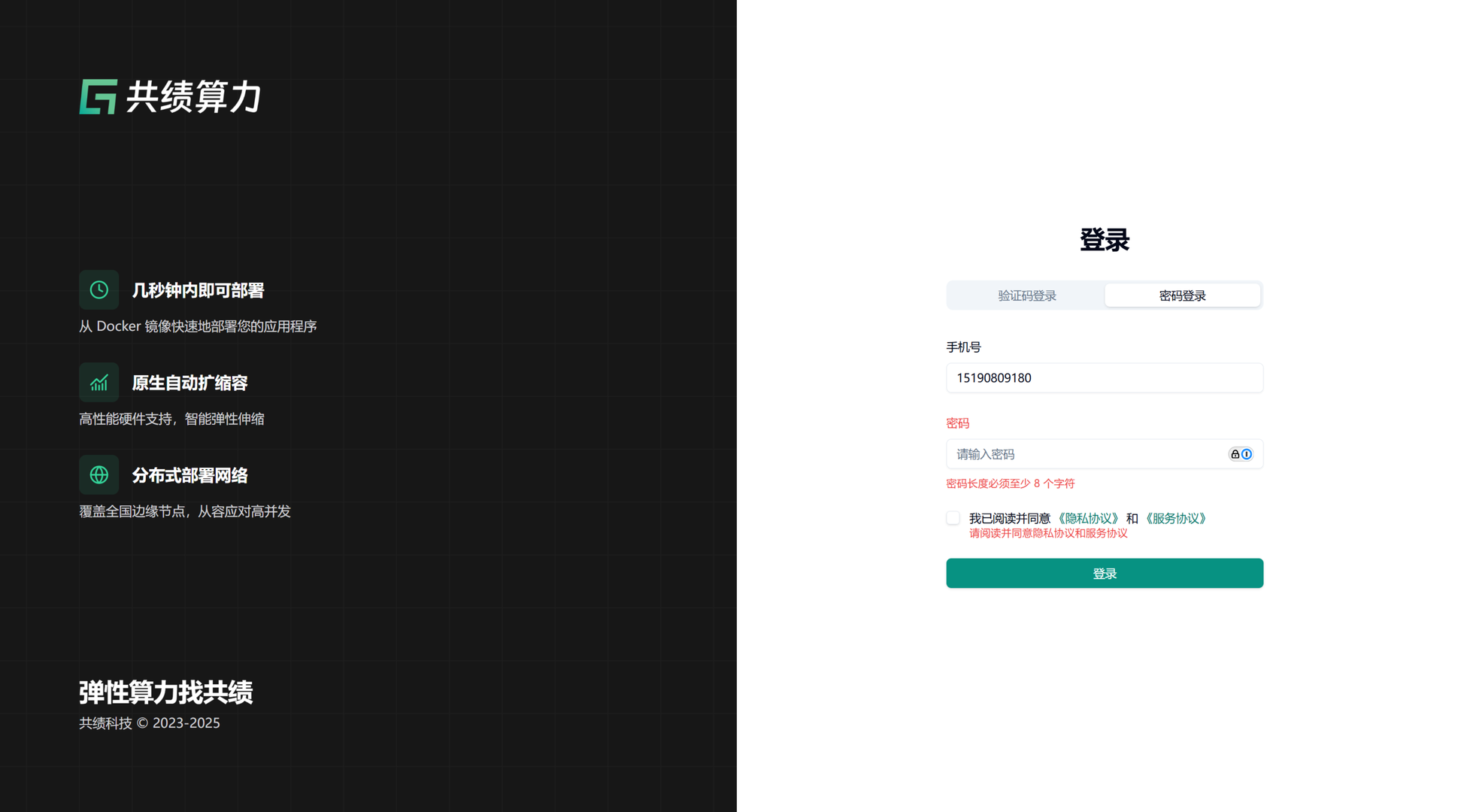
The track toolkit is a careful recorder. It wraps multiple analytics services—Umami, Baidu Analytics, Microsoft Clarity, and more. With standardized event tracking and automatic pageview collection, it provides comprehensive analytics.
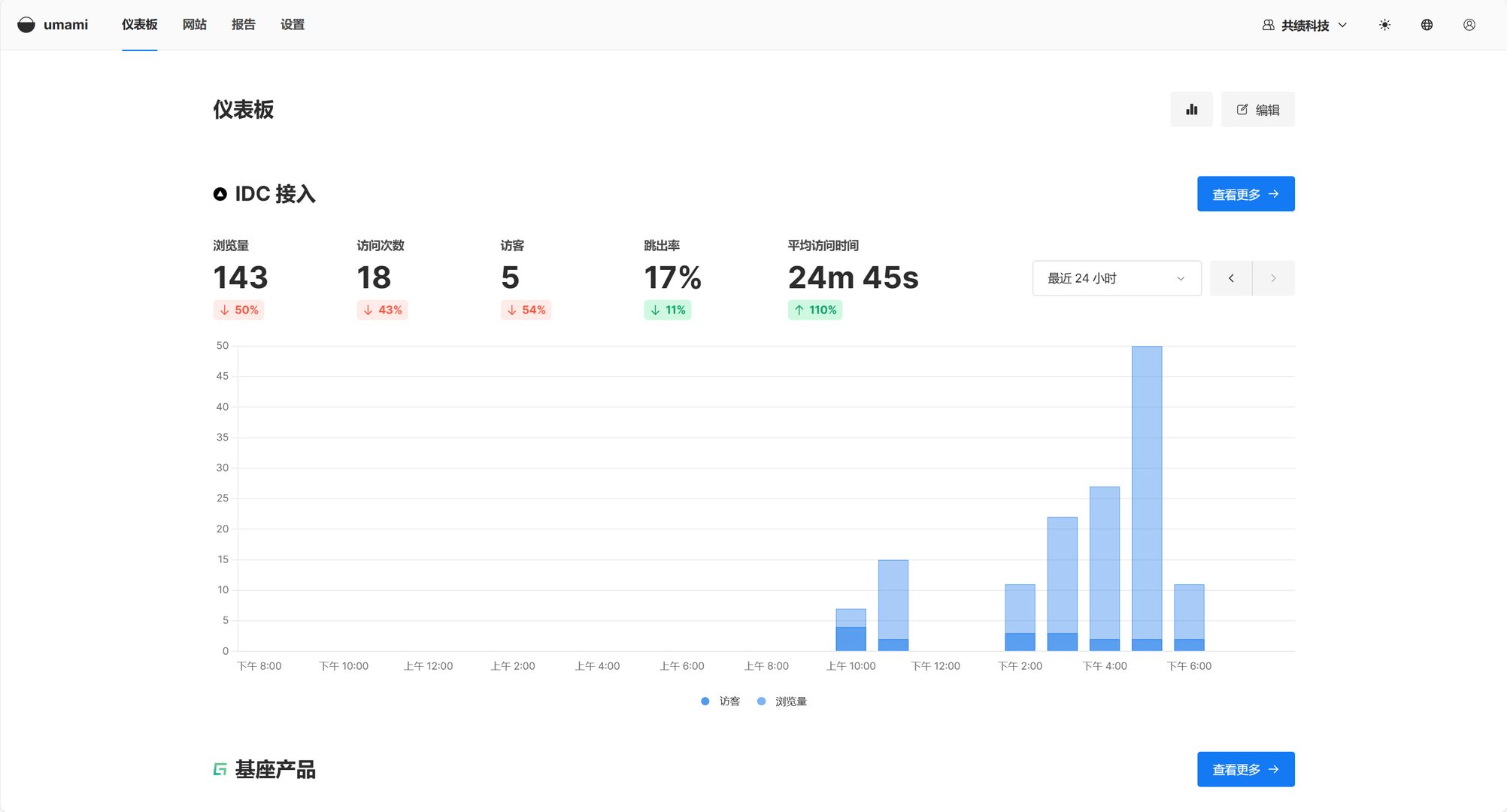
A key feature is multi-platform integration. It supports open-source Umami, Baidu Analytics, and Microsoft Clarity. Developers can switch services based on context. Strong TypeScript types, automatic error handling, and rich debugging info make tracking reliable and easy.
Code quality toolkit: ESLint + TypeScript
Like a full quality assurance system on a construction site, our code quality toolkit combines ESLint and TypeScript to ensure code quality and type safety. ESLint enforces team style, finds and fixes issues, and codifies best practices. Tight editor integration gives real-time feedback.
TypeScript catches potential errors at compile time. Smart IDE hints and refactoring support boost productivity, and generated type declarations ensure API correctness. Together they create a complete tooling chain that improves collaboration and code reliability.
Network request toolkit: the communication expert
The request toolkit is like a professional courier:
- Handles all data exchange with servers
- Centralizes API management
- Provides error handling and retry mechanisms
How the toolkits work together
These toolkits don’t run in isolation—they complement each other into a cohesive development ecosystem. The UI library leverages TypeScript configs for type safety, the network toolkit works closely with validation to ensure data correctness, and user tracking integrates with React hooks for better UX. This collaboration makes the system more stable and reliable.
Project management tools
To manage this large project, we relied on two main tools:
- pnpm: an efficient package manager for all project dependencies
- Turborepo: built for large projects, helping the repo run smoothly
With a scientific organization and management approach, we built a 200k-line AI prototype system in just three months. This approach not only improved development efficiency, but also made maintenance and upgrades easier. The carefully designed tooling system significantly boosted reuse and reduced duplicated work. For anyone interested in large-scale project management, this architecture offers a practical reference.